





Mobile App Development 12 Mar 2025
Mobile App UI/UX Design Principles That Drive Real User Retention
Getting a user to download your app is the easy part. Keeping them is where most mobile products fail. The average app loses 77% of its daily active users within three days of installation — not because the underlying product is bad, but because the experience of using it creates friction, confusion, or simply doesn't deliver value fast enough. Good UI/UX design is the difference between an app that becomes a habit and one that gets uninstalled after a week.

The principles that drive retention are not mysterious. They are well understood, consistently applied by the apps that top the charts, and consistently absent from the apps that quietly disappear. This guide covers the principles that matter most — from the critical first session to the visual and interaction design decisions that make an app feel effortless.
Why Most Apps Lose Users in the First 30 Days
Churn is not random. When you analyse why users abandon apps, the same patterns appear repeatedly: the app took too long to show its value, the onboarding required too much effort, notifications were irrelevant or excessive, or the navigation simply made users feel lost. Understanding these failure modes is the first step to avoiding them.
- Slow time to value: Users who don't understand what the app does for them within the first 60 seconds rarely return
- Demanding onboarding: Registration forms, permission requests, and tutorial sequences before the user has experienced any benefit drive immediate drop-off
- Unclear navigation: If users can't find what they came for within two or three taps, they leave — and don't come back
- Notification fatigue: Irrelevant or too-frequent push notifications are the number one reason users turn off notifications or uninstall entirely
- Poor performance: Slow load times, laggy animations, and unresponsive controls signal low quality and drive uninstalls regardless of feature depth
Onboarding: Your Single Most Important UX Moment
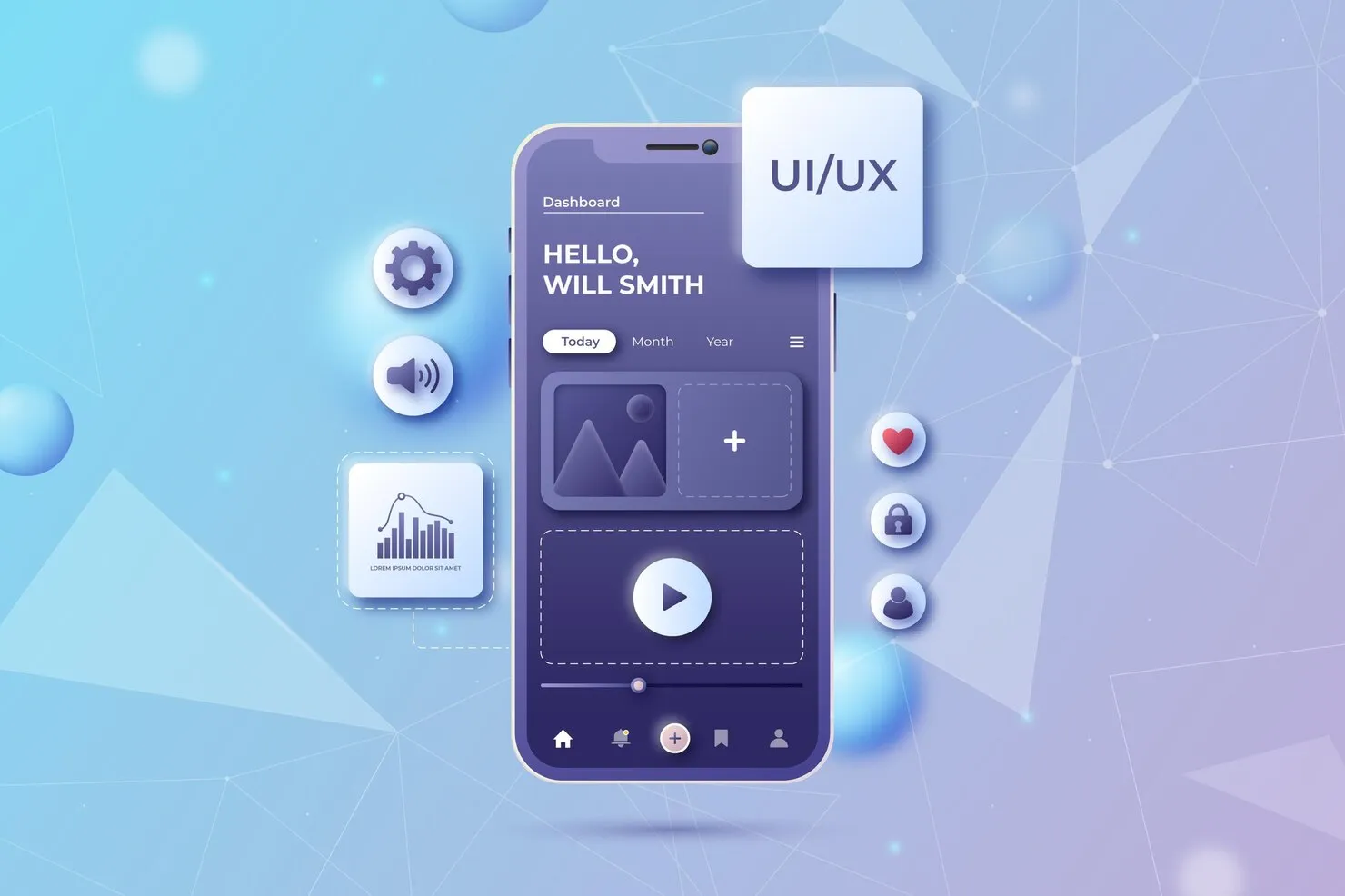
The first session sets every expectation a user will ever have of your app. A poor first experience creates a negative frame that even excellent subsequent sessions struggle to overcome. The goal of onboarding is not to teach users everything — it is to get them to their first moment of value as quickly as possible.
- Progressive disclosure: Show the app's value first; ask for account creation and permissions only when the user has a reason to care
- Minimal required steps: Every additional step in onboarding reduces completion rates. Ruthlessly cut anything that is not essential for day one
- Contextual permission requests: Ask for camera permission when the user taps the camera button — not on launch. Contextual requests are granted at 3–4x the rate of upfront blanket requests
- Always offer a skip: Users who skip onboarding and discover value organically often engage more deeply than those walked through a tutorial
- Empty states that guide: When users see an empty screen, it should tell them exactly what to do next — not just show a blank space
Core Navigation and Interaction Design Principles
Navigation architecture determines whether users can find what they need — which determines whether they continue using the app. Mobile navigation has specific constraints: screen size limits the number of visible options, thumbs can't reach the top of large screens comfortably, and users expect gestures to behave consistently with the platform conventions they already know.
- Thumb-friendly targets: Interactive elements must be at least 44×44 points (iOS) or 48×48dp (Android). Smaller targets cause misclicks that erode confidence in the app
- Bottom navigation for primary actions: The top of the screen is the hardest area to reach comfortably; primary navigation belongs at the bottom where thumbs naturally rest
- Consistent gesture behaviour: Swipe to go back, pull to refresh, long press for context actions — these conventions exist because users already know them. Violating them creates confusion
- Meaningful transitions: Animations between screens should convey spatial hierarchy — sliding in communicates a new level; fading communicates a lateral move
- Immediate feedback: Every tap should produce visible feedback within 100ms. Users who don't see a response assume the app is broken and tap again
Visual Design Principles That Build Trust
Visual design in mobile apps is not decoration. It is information architecture made visible. The way your app looks communicates its quality, reliability, and the level of care put into building it — before the user has read a single word of content. Visual inconsistency, poor contrast, and cluttered interfaces undermine trust in the underlying product.
- Consistent design system: Typography scale, colour palette, spacing rules, and component styles should be defined and applied consistently across every screen
- Whitespace as a tool: Generous whitespace reduces cognitive load, makes content scannable, and signals quality. Cluttered screens feel overwhelming and cheap
- Hierarchy through contrast and size: The most important element on each screen should be visually dominant. Use size and contrast — not just colour — to establish hierarchy, so the design works for colour-blind users
- Accessible contrast ratios: WCAG AA requires a contrast ratio of 4.5:1 for normal text. Low contrast excludes users with visual impairments and performs poorly in bright sunlight
- Loading states for every async action: Skeleton screens and progress indicators tell users something is happening and prevent the assumption that the app has frozen
Conclusion
Great mobile UX is not about making things look good — it is about removing friction at every point in the user journey so people can accomplish their goals without having to think. The apps that retain users long-term are the ones that respect the user's time, reward their attention quickly, and improve predictably with every update. These principles are not complicated, but applying them consistently across an entire app requires intentional design decisions at every stage of development.
If you are building a mobile app and want a team that treats UX as foundational rather than cosmetic, feel free to contact our team. We specialise in mobile app development solutions that deliver measurable results.
We hope these principles give you a concrete framework to evaluate and improve the experience you deliver to your users.